Every note is a plain Markdown file on your own computer.
Link notes with double brackets, search across titles, tags and bodies, and keep your place on a board that stays out of the way. Git sync is there when you want history, and it is never required. There is no account and no service in the middle: the folder of files is the product, and the index beside it can be deleted at any moment.
Free and MIT licensed. Builds for macOS, Windows, and Linux. The macOS and Windows builds are not notarized or code-signed yet, so the first launch needs one extra confirmation.
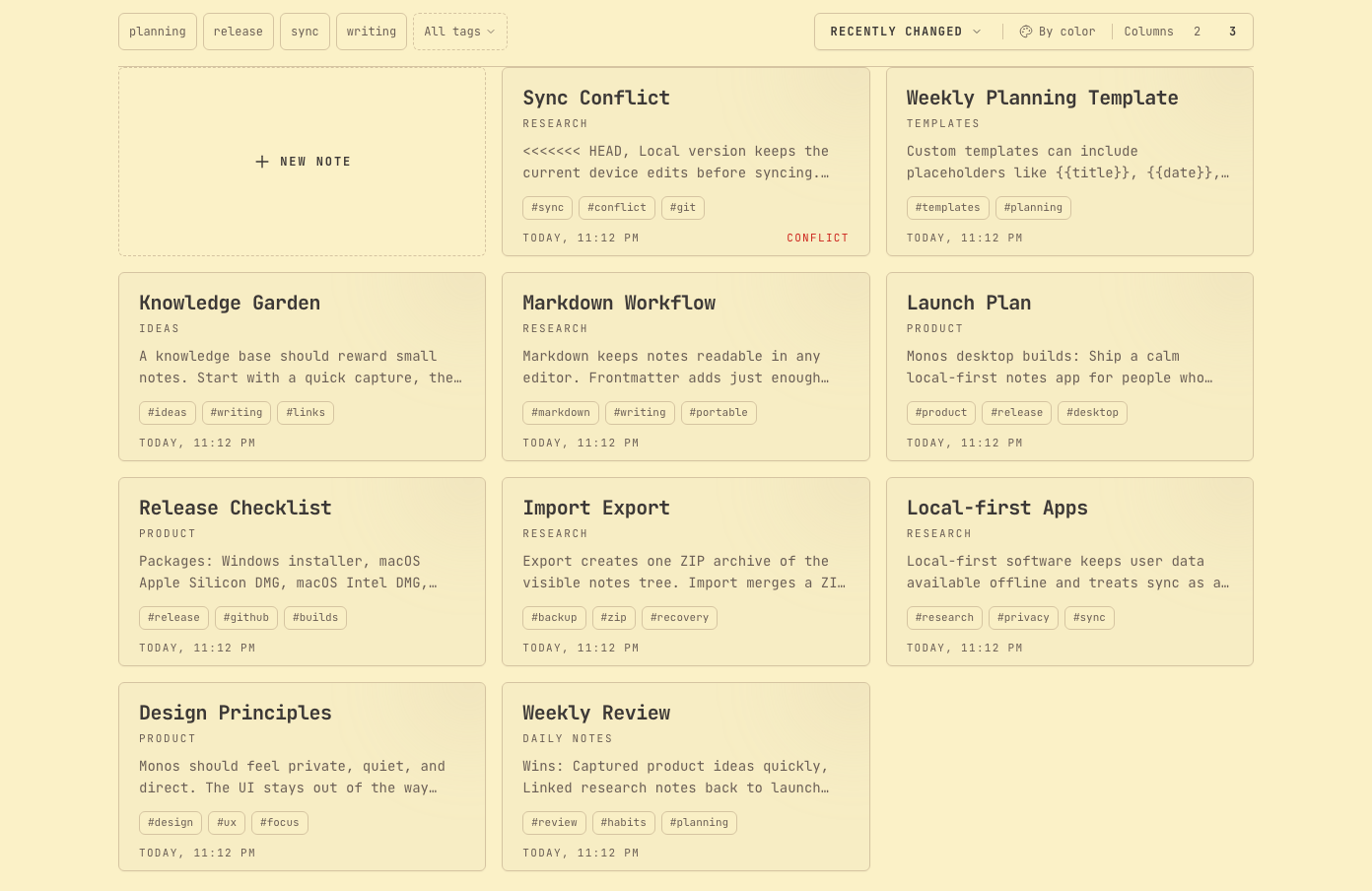
Your notes are plain files.
Each note is a Markdown file in a folder on your computer. Open it in any editor, keep it under version control, or copy the whole folder somewhere else. Monos reads the same file you would.
-
The file is the only copy.
The search index is a cache, and it can be rebuilt at any time.
-
Attachments stay with your notes.
Images and files go to an
_attachmentsfolder beside them. -
Everything can leave.
Export a ZIP backup, or print the whole folder as one PDF.
---
title: Reading list
tags: [books, 2026]
category: Personal
---

# Reading list

- [x] The Pragmatic Programmer
- [ ] Thinking, Fast and Slow, see [[Ideas]]
Write in one place, and link as you go.
A rich editor with Markdown underneath. Link another note with double brackets, and the note you link to lists the link back as a backlink. The outline shows the headings of the open note, and it folds away on desktop when you want the full width.
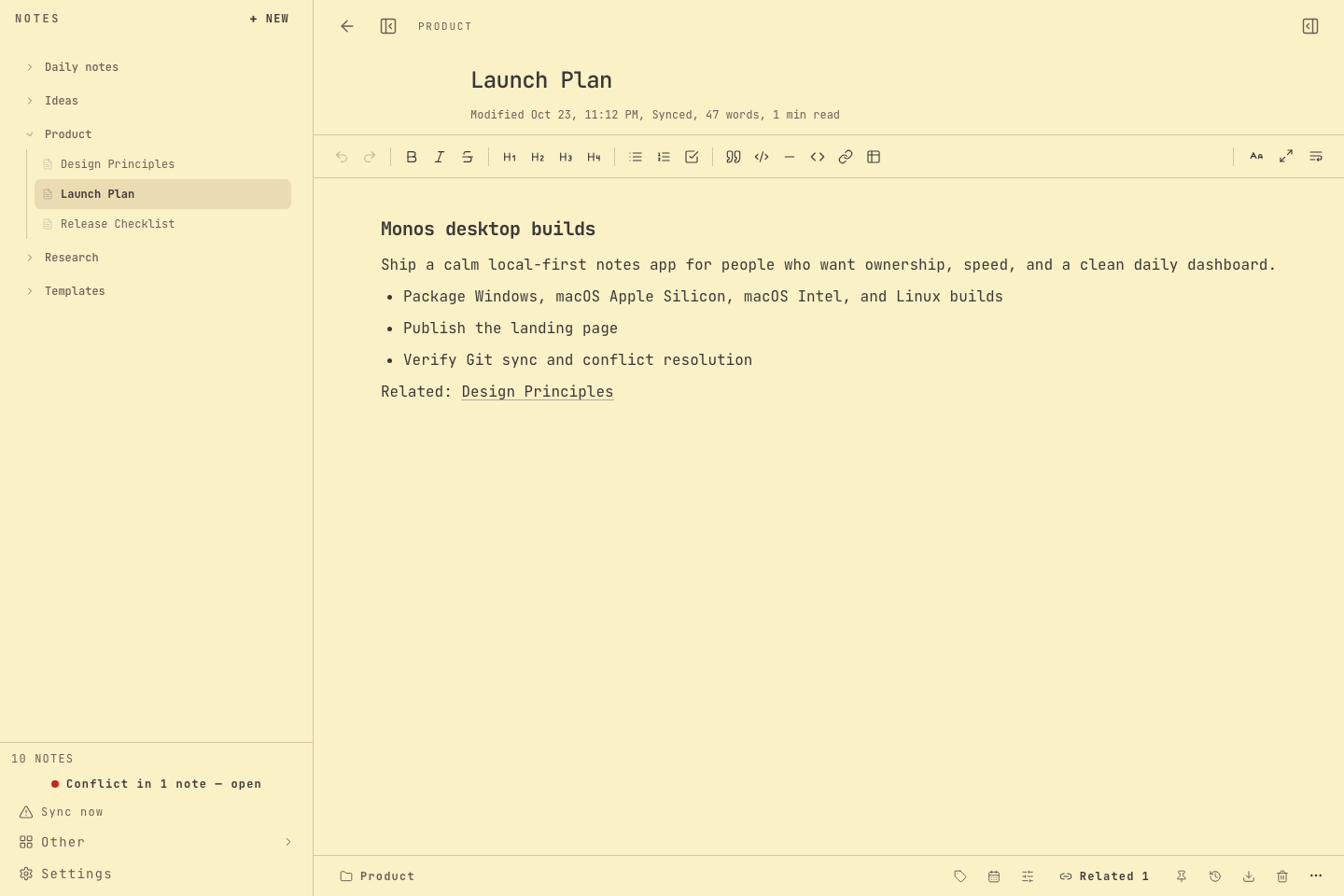
Templates for the notes you write again and again.
Start from a built-in template, hide the ones you never use, or save your own. Placeholders such as {{title}} and {{date}} are filled in when you create the note.
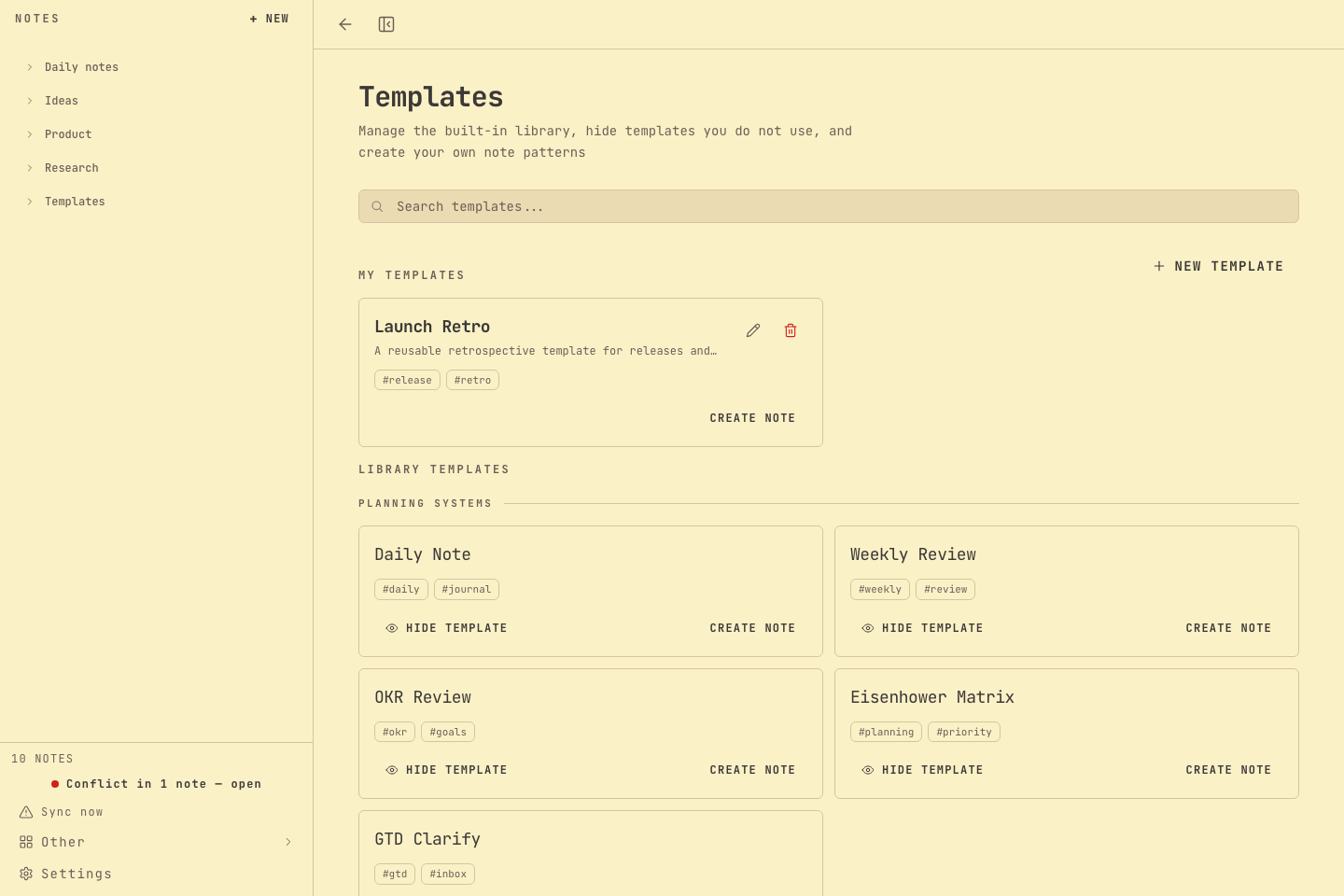
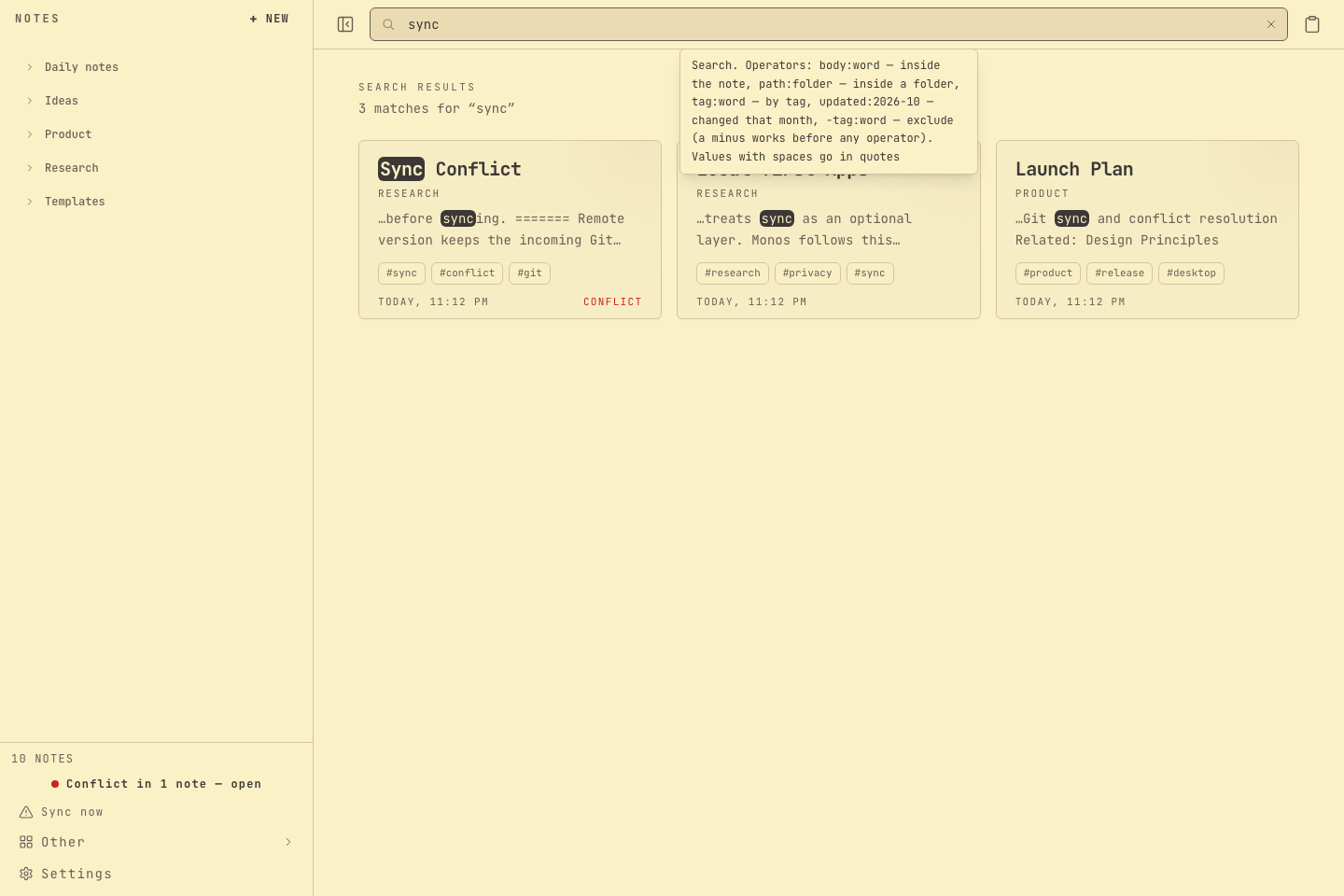
Find a note by what you remember.
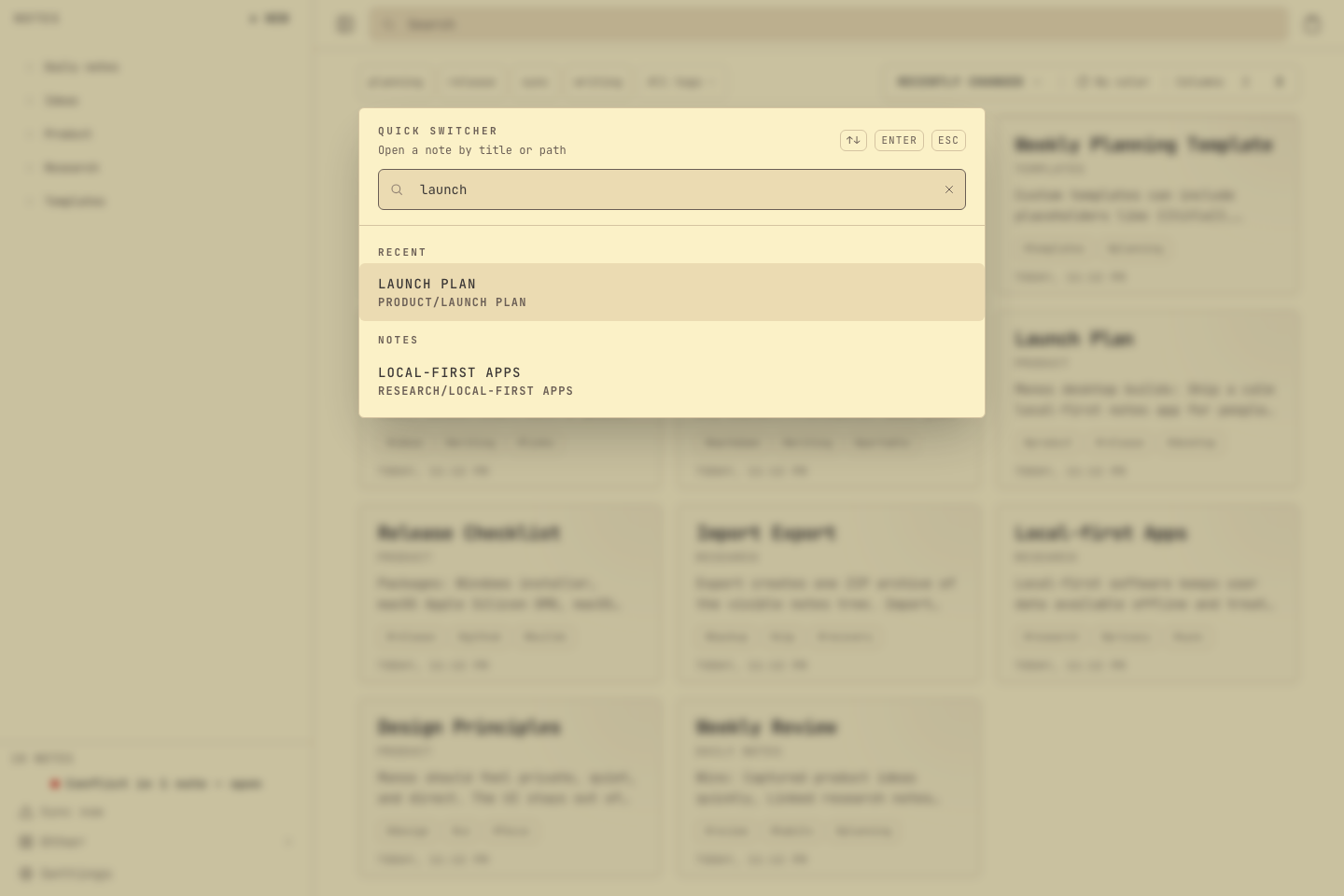
Search titles, tags, and note bodies from the header. Open any note by its title with Cmd or Ctrl and O, and narrow the list with filters such as tag: and path:.
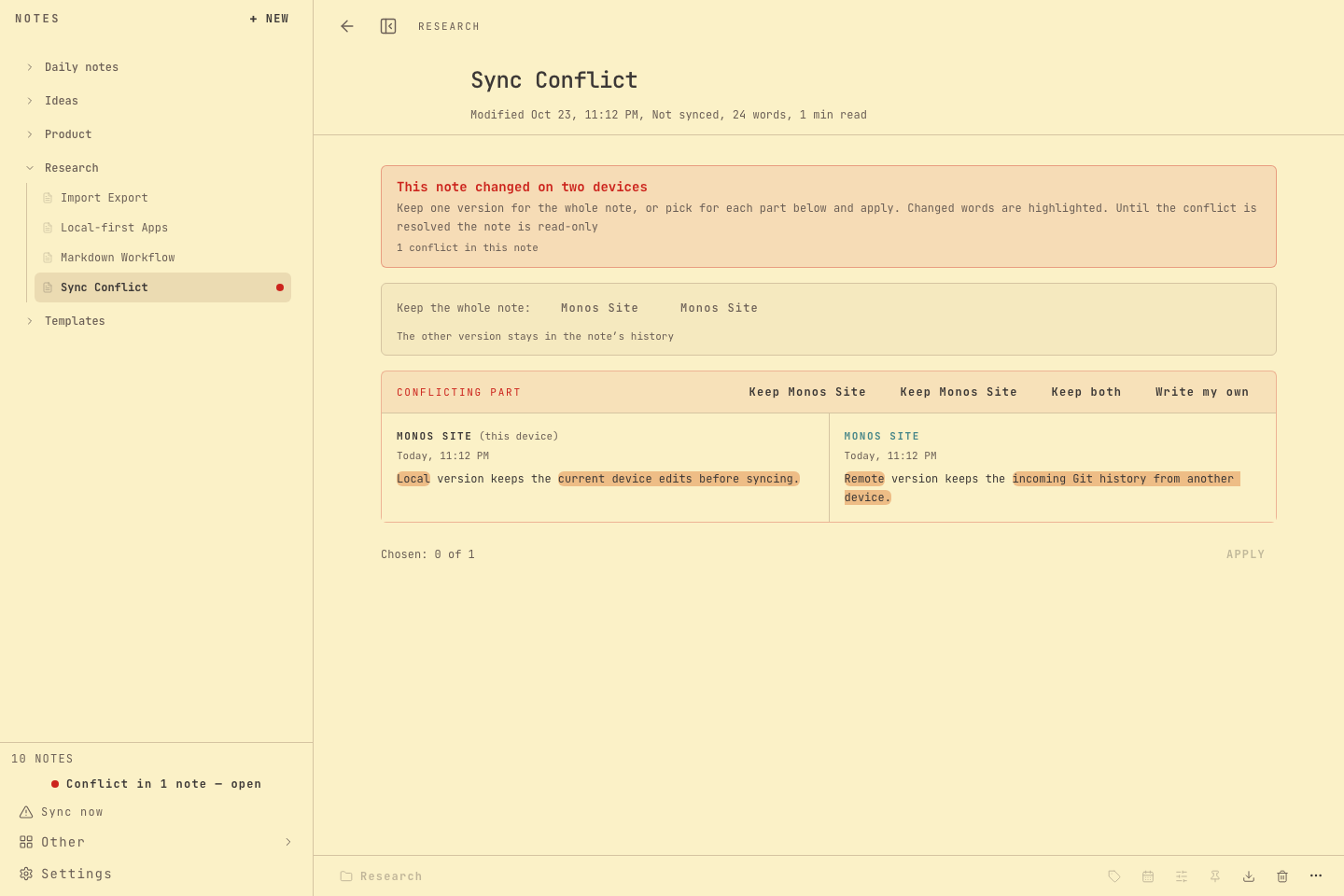
When two copies disagree, you choose.
Git sync is optional. If the same note changes on two devices, Monos shows both versions and asks which one to keep. Deleted notes wait in the trash until you restore them, and an archive can be merged into your notes without overwriting what is already there.
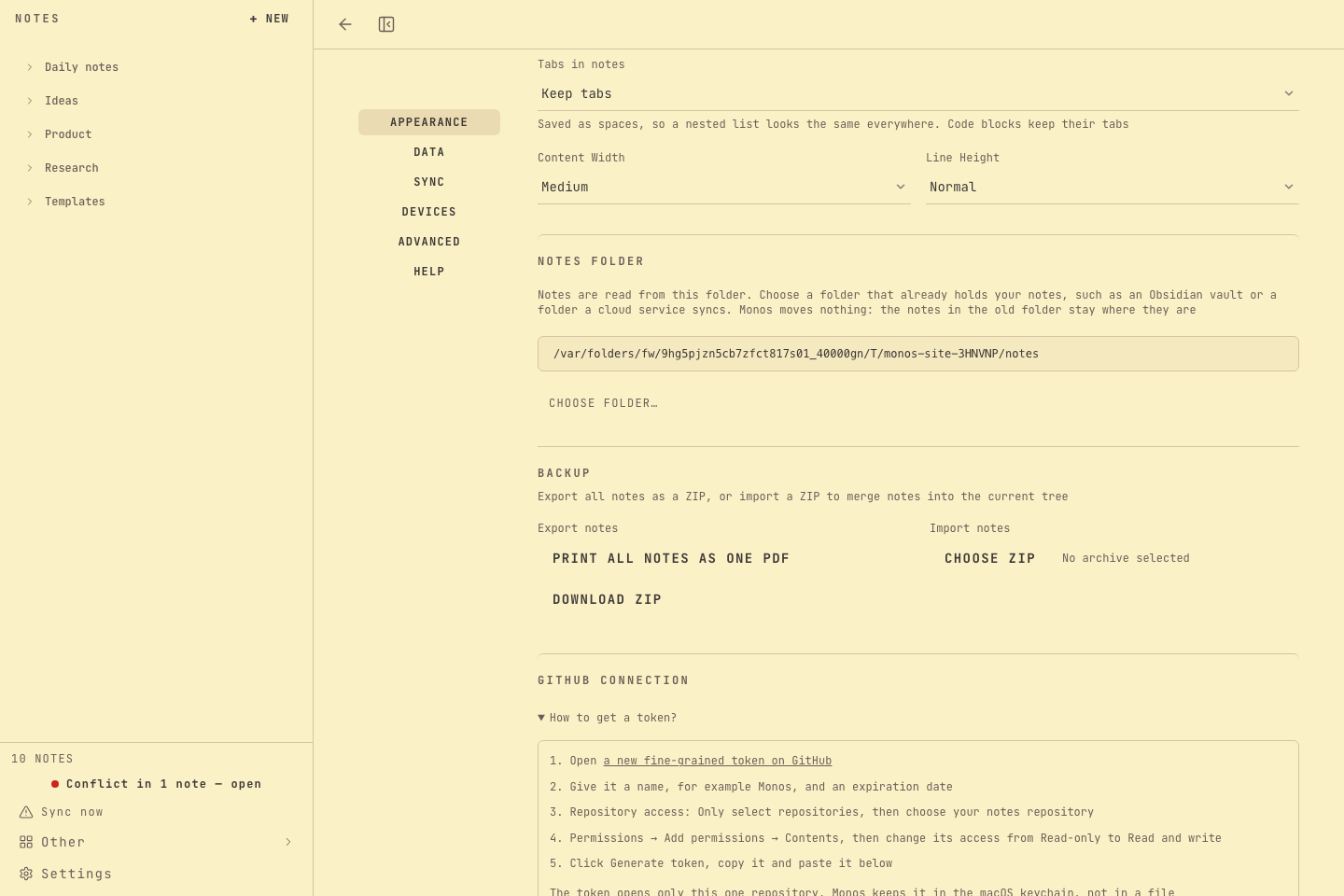
Light or dark, English or Russian, and a layout for narrow windows.
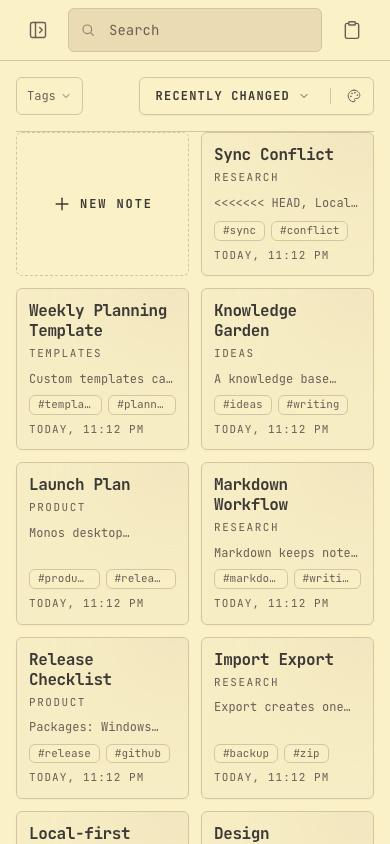
Six color palettes come in light and dark variants. Both languages are complete, with no fallback between them. On a narrow window the board becomes a compact list of cards that you can still search and create notes from.
Install
Download the installer for your system from the latest release. The notes stay in the app data folder, and they are kept when a new version is installed over an older one.
| Platform | Artefact | First launch |
|---|---|---|
| macOS | .dmg, Apple silicon and Intel | The app is not notarized, so macOS asks once. |
| Windows | NSIS installer, .exe | SmartScreen asks once. |
| Linux | .AppImage and .deb | Nothing to confirm. |
On macOS, try to open Monos, close the warning, then open System Settings, Privacy and Security, and click Open Anyway next to the message about Monos. Confirm with your password and later launches open normally. The same thing from a terminal:
xattr -dr com.apple.quarantine /Applications/Monos.appOn Windows, click More info and then Run anyway.
What you get, and where it lives.
| Platforms | macOS on Apple Silicon and Intel, Windows, and Linux as an AppImage or a .deb package. |
|---|---|
| Where notes live | A notes folder plus a rebuildable index, both inside your operating system's application data folder. |
| Git sync | Optional. It uses a repository you choose, and it never touches the Monos source code. |
| Languages | English and Russian. |
| Licence | MIT. Read the source, report a problem, or build it yourself. |